


One item ships. Add a second, and checkout may have no delivery option. Or the sale code lowers the product price but can add a shipping charge. Before Black Friday, look for these specific surprises in your Shopify checkout. This guide helps you reproduce them, decide what needs attention, and fix those issues if possible.
1. The second product can make shipping disappear
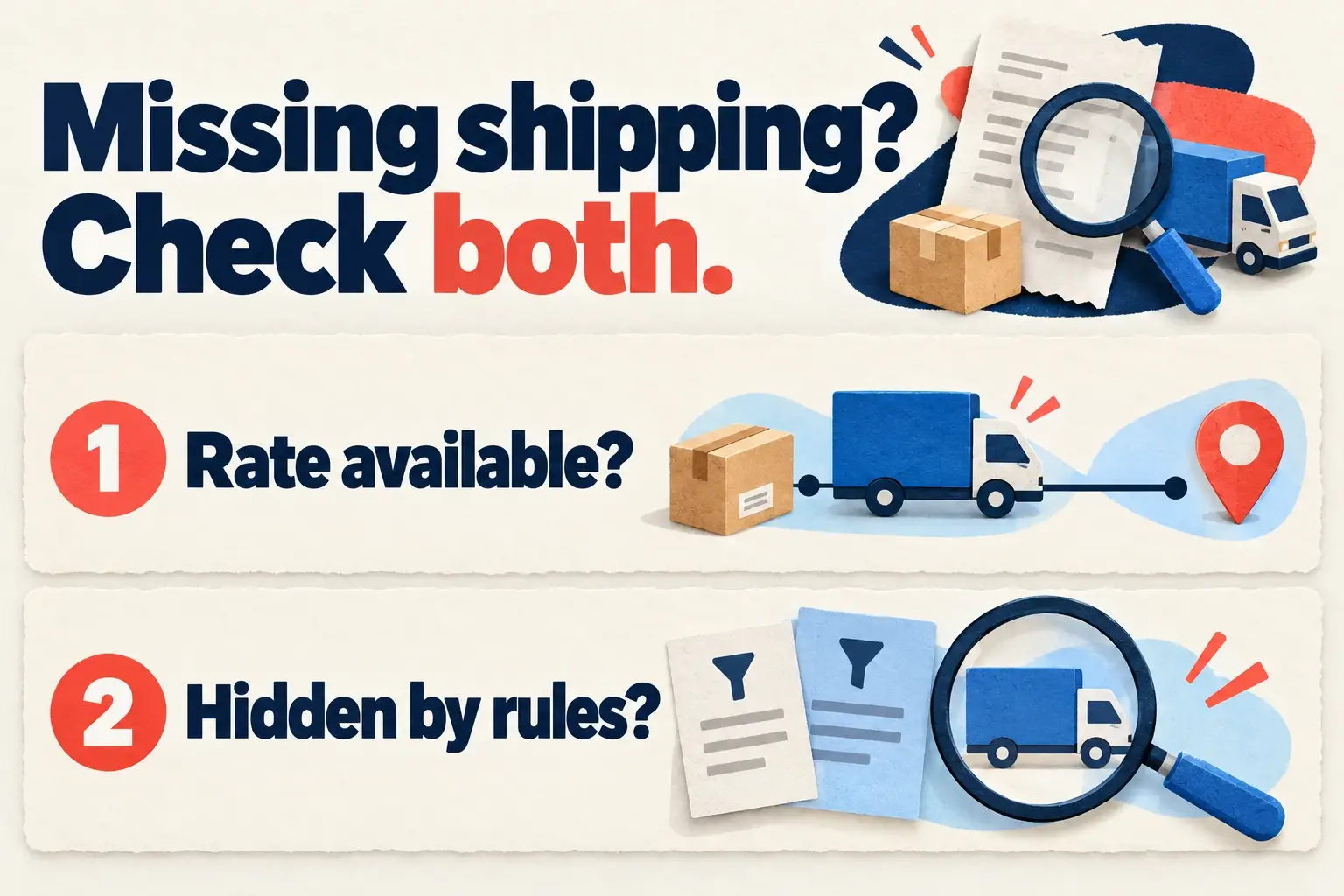
Adding another product can change which shipping setup Shopify needs to use. A shirt might have a rate to a customer’s address while a second item belongs to a profile without one. Shopify’s troubleshooting checklist covers product profiles, fulfillment locations, destination rates and cart conditions.
Try each item alone, then together at the same address. Correct the product’s profile assignment or add an appropriate rate for its shipping origin and destination.
If you use BeSure, check any active shipping restrictions too. Only show filters existing options; it cannot create a missing rate. Pair it with Shipping Method Available, using the same method names.
2. The discount can add an unexpected delivery charge
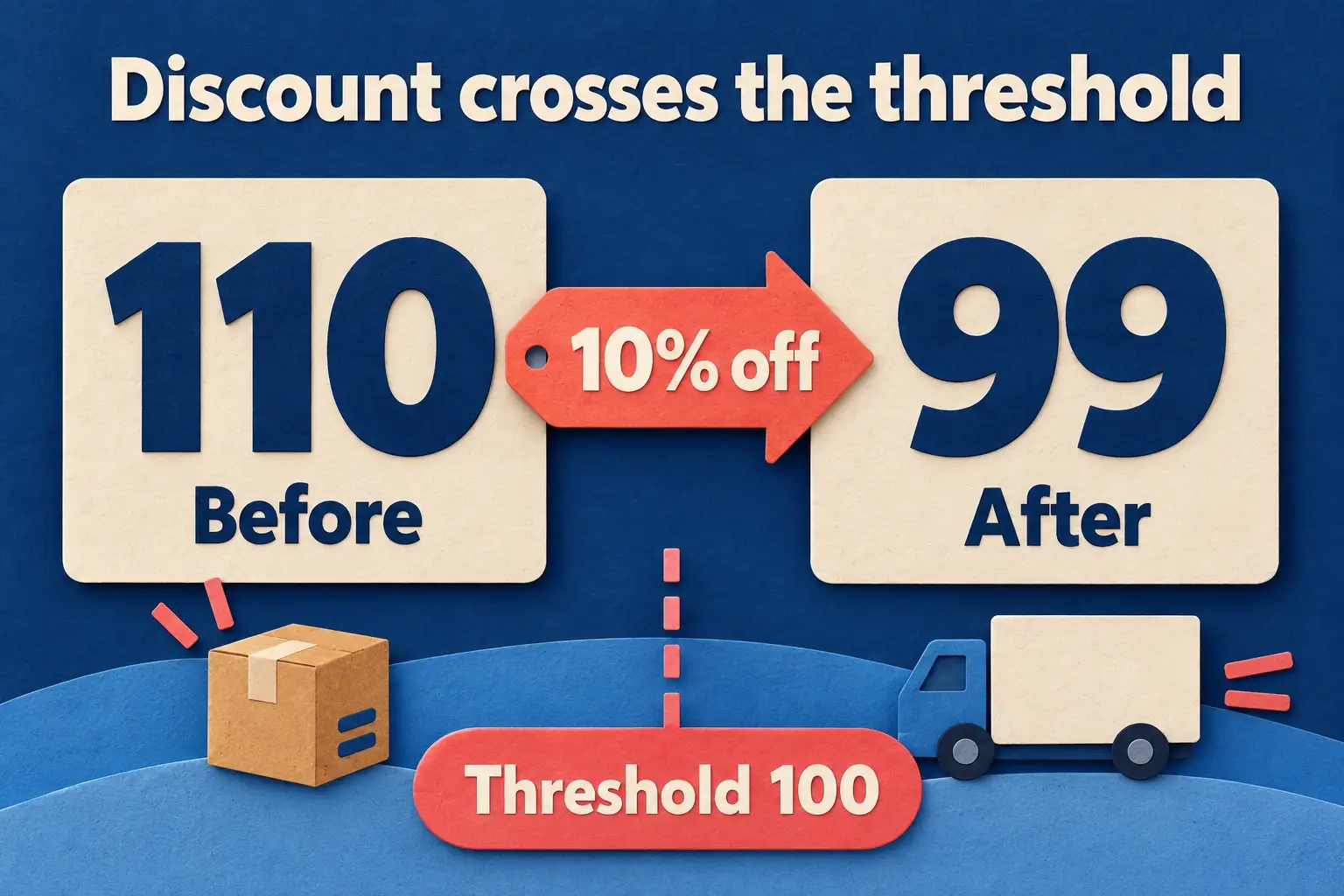
Shopify checks price-based shipping rates against the cart value after discounts and before tax. For example, 10% off a 110 cart leaves 99. If free shipping starts at 100, that cart can lose the free rate and qualify for a paid one instead.
Apply the promotion to carts just below, at and above the threshold. If you intended free shipping after the discount, adjust the rate threshold or offer so eligible carts match your advertised terms.
For BeSure amount conditions, check whether you chose subtotal or total and test that value around the boundary. Hiding or reordering cannot change a rate’s price or make an unavailable free rate eligible.
3. The payment option can appear for the wrong customer
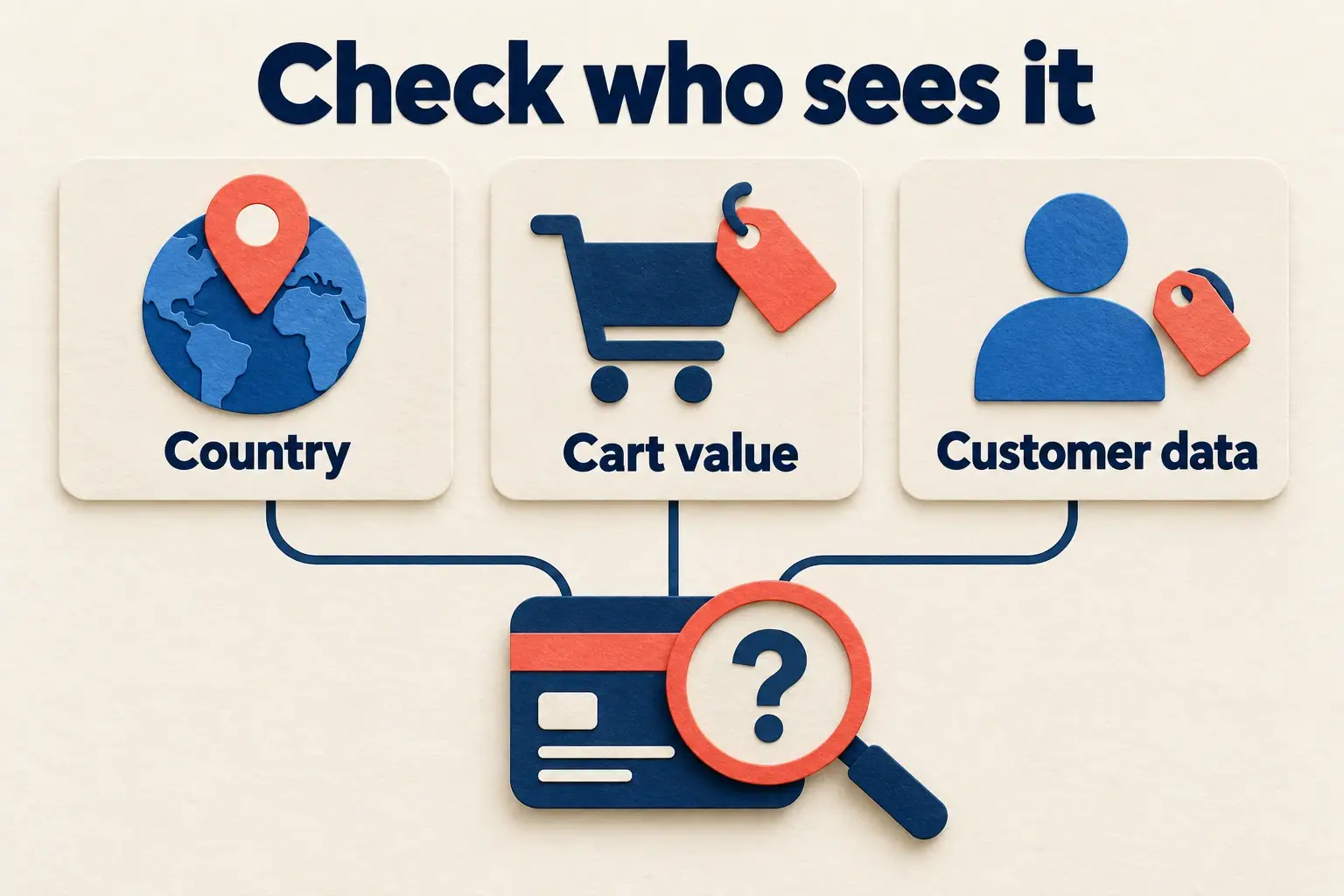
A payment option being enabled doesn’t mean it’s right for every order. You might accept cash on delivery locally but want online payment for international deliveries.
If you use BeSure, hide COD for excluded countries, then try both allowed and restricted destinations. For amount or customer conditions, use the chosen cart value and verified customer data. Keep another usable payment option available.
For US/Canada stores outside Shopify Plus, credit card customizations won’t apply. That is a Shopify restriction; changing BeSure conditions can’t remove it.
4. A subscription can lose its only shipping option
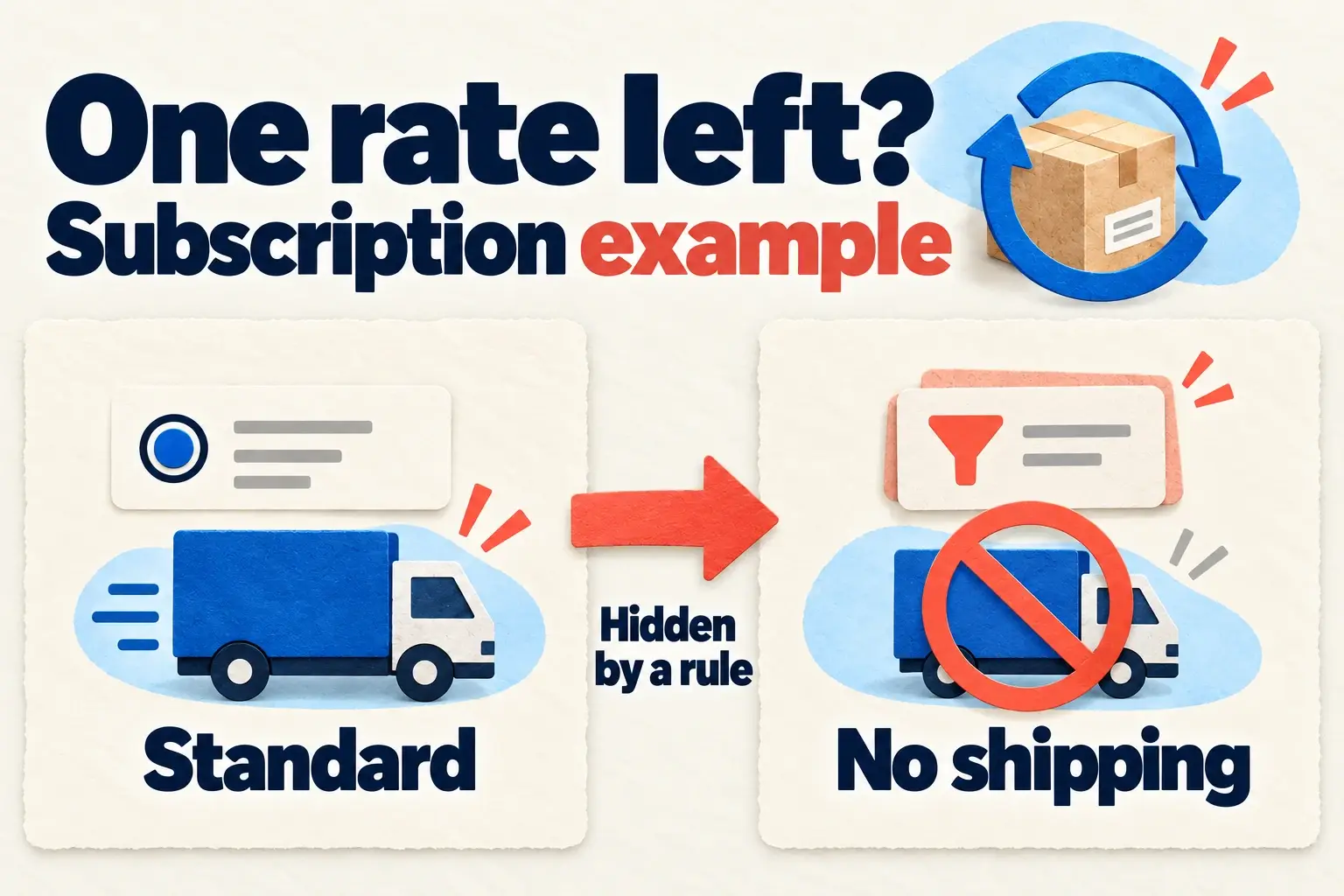
A subscription cart can lose shipping even when the same product ships as a one-time purchase. BeSure warns that Shopify may keep only the cheapest subscription option. If Standard is the only recurring rate and a checkout rule hides it, checkout can show “No shipping available”.
Check one-time, subscription-only and mixed carts at the same address. Shopify distinguishes initial and recurring shipping: the first delivery can offer several rates, while renewals default to the cheapest available rate. Your subscription app and shipping profiles affect which rates apply.
If a BeSure shipping restriction is only for one-time orders, set Target → Ship → All shipments except subscriptions and save. This skips the whole order when it contains a subscription, including mixed carts. If the checkout rule must cover subscriptions, adjust it to leave an eligible rate available and retest. Hiding cannot create a replacement rate.
5. The new rule can pass one cart and break another
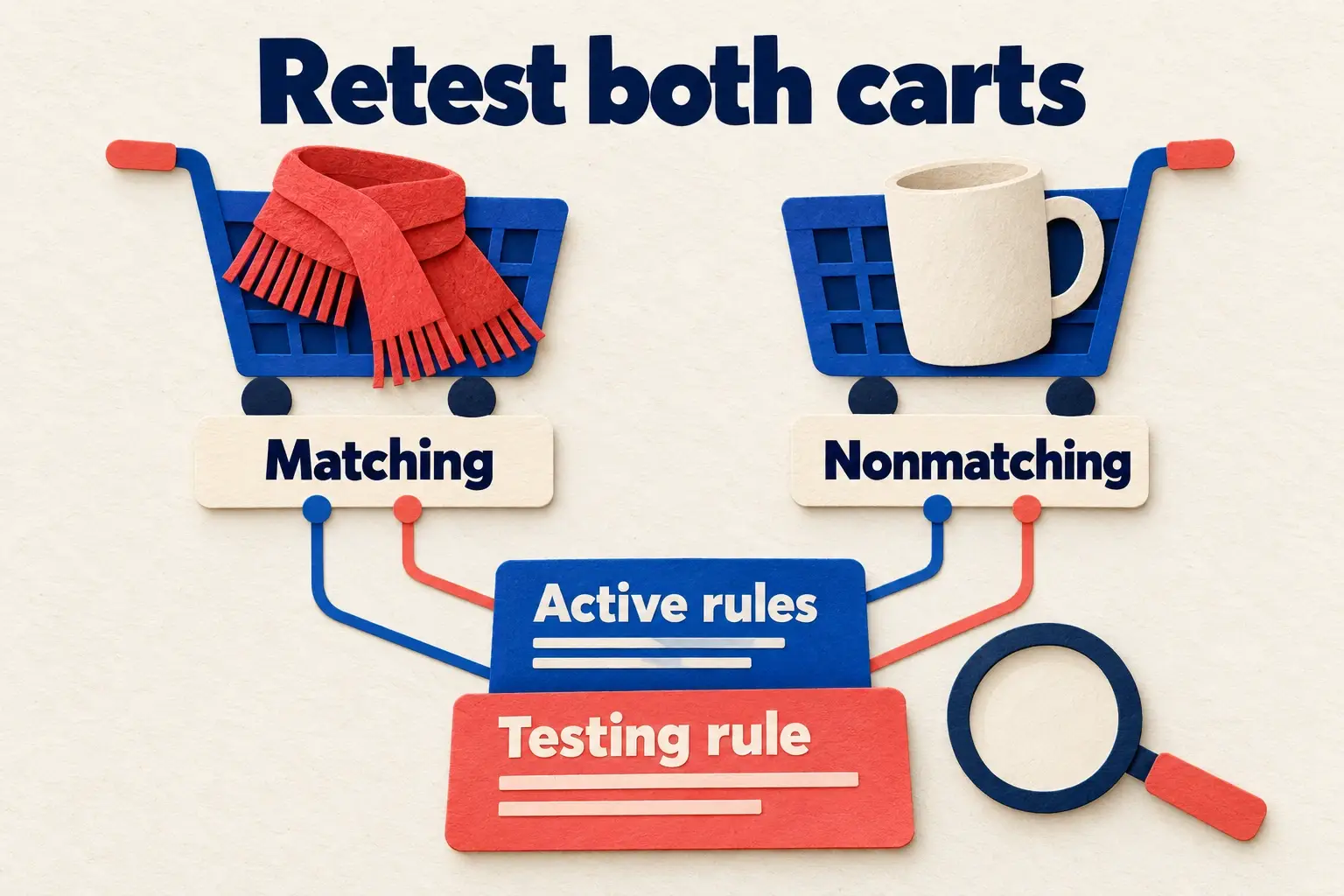
A checkout can meet several checkout rules at once. Imagine one keeps only Express for a postcode while another keeps only Standard for that same postcode. Each hides the other’s option, leaving no delivery choice.
In BeSure, separate the overlapping conditions so one intended set of options survives. Test matching and nonmatching carts with your existing Active rules still running. Only show hides other available methods; it can’t restore an option another rule hides.
Conclusion
These checks help you keep Shopify checkout working across the carts, discounts, destinations and subscription setups you test. Fix the issues you find, then rerun those cases with your active checkout rules before Black Friday. Catching missing options and unexpected charges early gives shoppers a smoother path through your sale.
Related Articles

How to resolve conflicts between concurrent shipping rules when conditions overlap
Learn how to resolve overlapping shipping rule conflicts for consistent checkout behavior.
How to modify shipping or payment options based on the discount code at Shopify checkout
Modify shipping or payment options when a discount code is applied at Shopify checkout.

Always show Pickup as the last option on Shopify Checkout
Avoid issues by always showing pick-up as the last option in your Shopify checkout.